On this page (7)
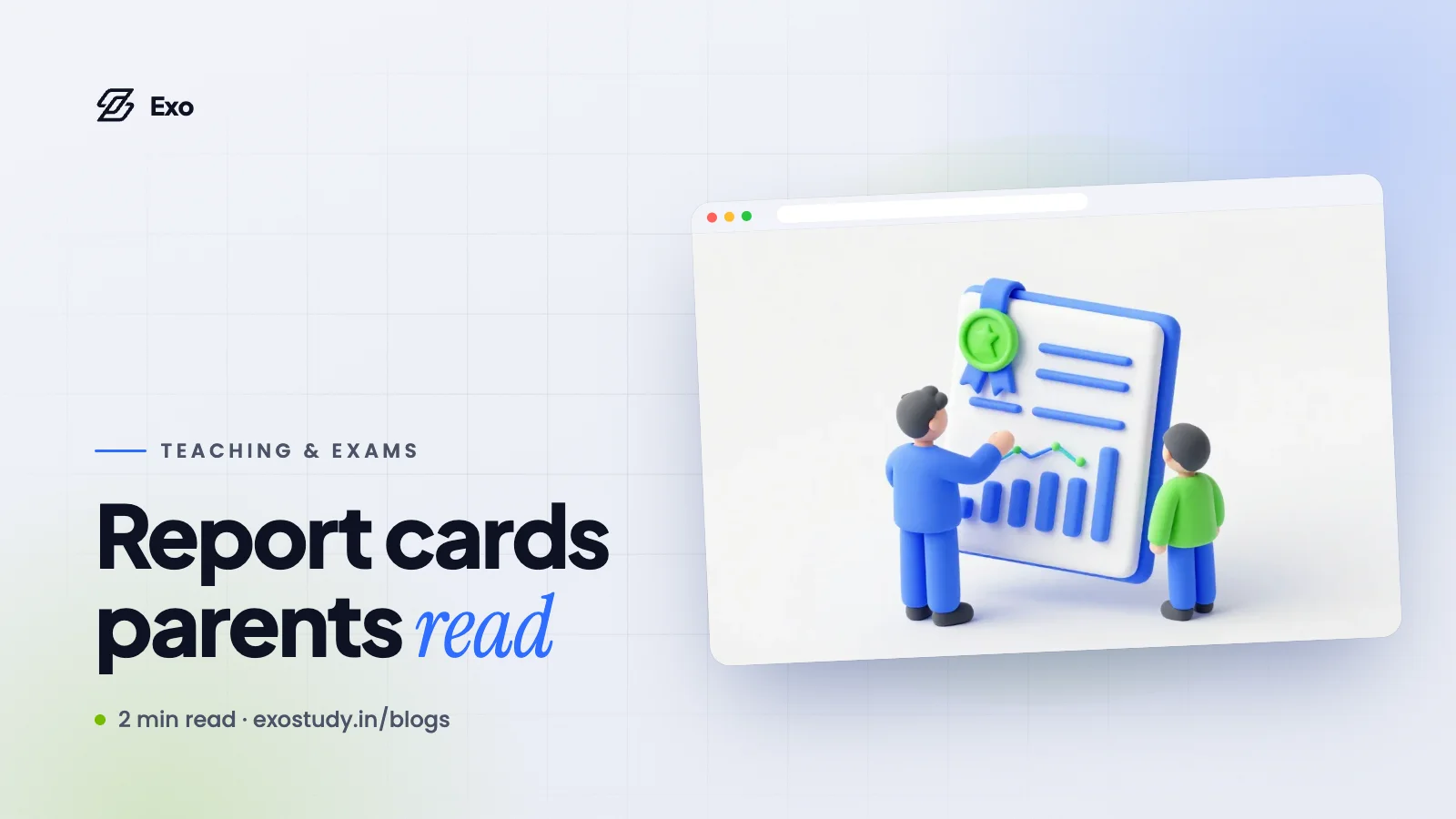
A report card is often the most-read document a school produces. Parents keep them for years. Yet many report cards are hard to read: dense tables, unexplained codes, and the one thing a parent wants to know buried in the middle.
Here's how to design one that works.
Start with the parent's questions
A parent opening a report card wants to know three things, in this order:
- How is my child doing overall?
- Where are they strong, and where do they need help?
- What should we do next?
Lay the card out in that order, and most design decisions make themselves.
What belongs on it
The essentials
- Student name, class, section, roll number and academic year
- The exam or term the card covers
- Marks or grades for each subject
- Attendance for the period
- The class teacher's remarks
- Signatures: class teacher, principal and, if you collect it, parent
Grades, explained
If you use grades, print the grade scale on the card, for example what an A1 or a B2 means. A grade without its scale is just a code. In Exo, grade scales are configurable, so the card shows the scale your school actually uses.
What to leave off
- Internal codes that only your office understands
- Every sub-component of every mark, unless parents need it. Keep the detail in your records, and put the total on the card.
- Decoration that competes with the content. Your logo and colours, yes. Borders on every cell, no.
Layout tips
- Put the overall result at the top, not at the bottom of a long table
- Use one table for subjects, with the same column order every term
- Leave real space for remarks. A specific sentence from the teacher is often the most valuable line on the card.
- Make sure it prints well in black and white, because many parents will print it
From marks to report card
The design is half the job; the other half is producing hundreds of cards without errors.
- Enter marks per paper, marking absent students as absent rather than zero.
- Check the class broadsheet, every student and every subject on one sheet, to catch typos before anything is published.
- Hold results back until they're checked.
- Publish. Parents see the results and report card in their portal and app, and are notified when you publish.
Exo includes a visual designer for report card layouts, plus templates you can import, so you can match the card you use today instead of adopting a generic one.
See the whole flow in exams and report cards.
Written by
Exo Team
The people building Exo, school management software for Indian schools.
Keep reading


Collecting school fees online: a practical guide for Indian schools
How to move fee collection from the counter register to online payments without confusing parents or your accounts office — structures, installments, payment links and the reports you'll actually use.

Covering an absent teacher's periods in five minutes
When a teacher calls in sick at 7:30, the morning scramble starts. A simple routine for finding every uncovered period, picking fair substitutes and telling the right people, before the first bell.

From registers to phones: moving your school's attendance online
Paper registers work until someone needs a report. Here's how to switch to digital attendance in a week, what to decide before you start, and how parents fit in.