← All features
Exams & Report Cards
From the exam timetable and question papers to a designed report card.
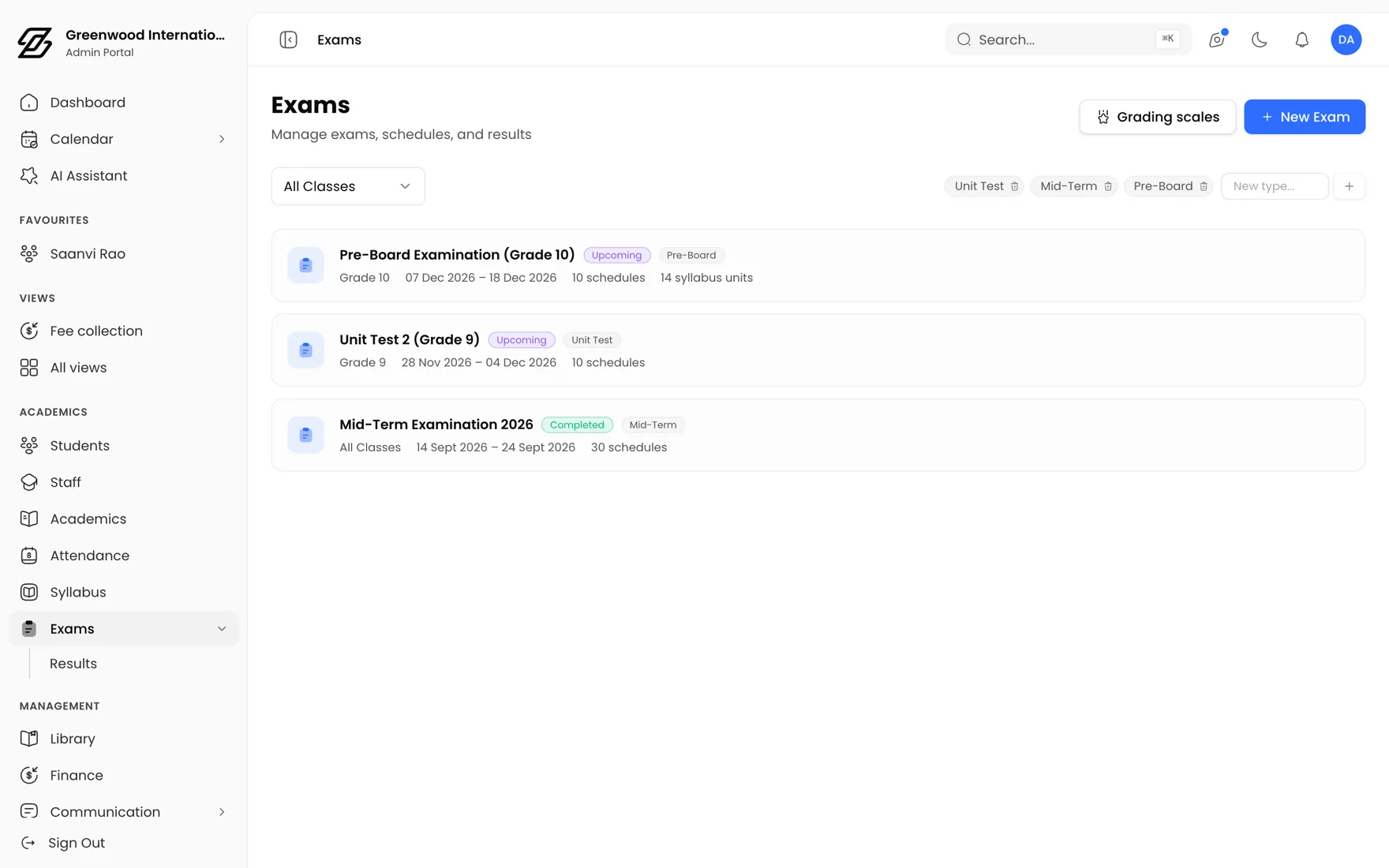
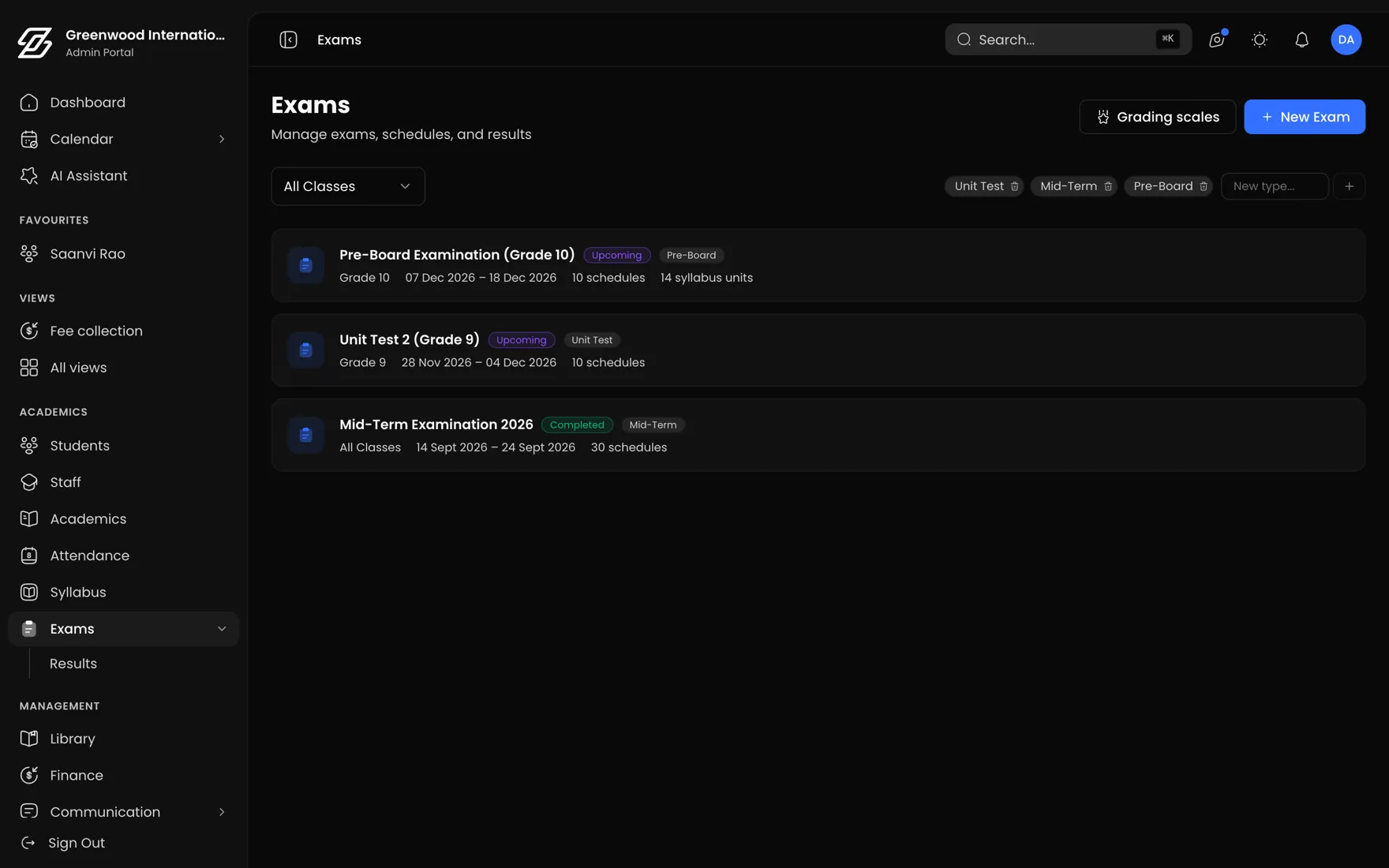
Plan exams across classes, schedule each paper by section, build the question papers, print the timetable, enter marks, and publish results when you are ready — with exam reports, and report cards, papers and timetables in designs you control.
AdministratorsTeachersStudents & parents
greenwood.exostudy.in/admin/exams
Watch
See it in action
Question paper builder
Timetable and papers as PDFs
Report card designer
What’s included
Everything in Exams & Report Cards
Exams
- Exam types such as unit test, mid-term and final
- Exams for chosen classes or the whole school
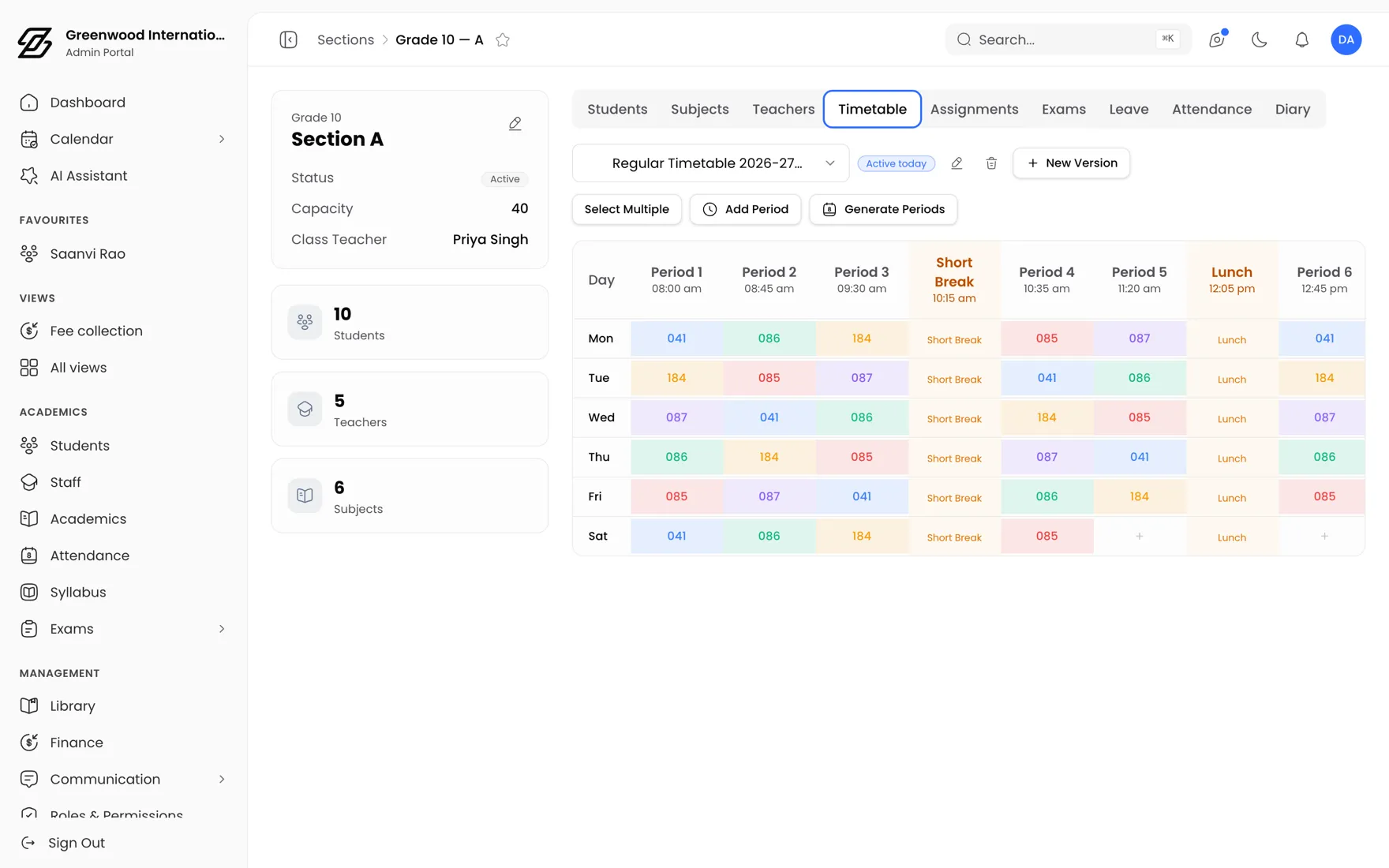
- Paper schedule by subject, section, date, time and room
- Subjects are checked against what each section actually studies
- Attach syllabus units so everyone knows what is covered
Marks & grades
- Enter marks per paper, with absent handling
- Configurable grade scales
- Hold results back, then publish — families are notified on publish
Report cards
- Result sheets with a broadsheet view per class
- Result templates you can import
- Visual designer for report card layouts
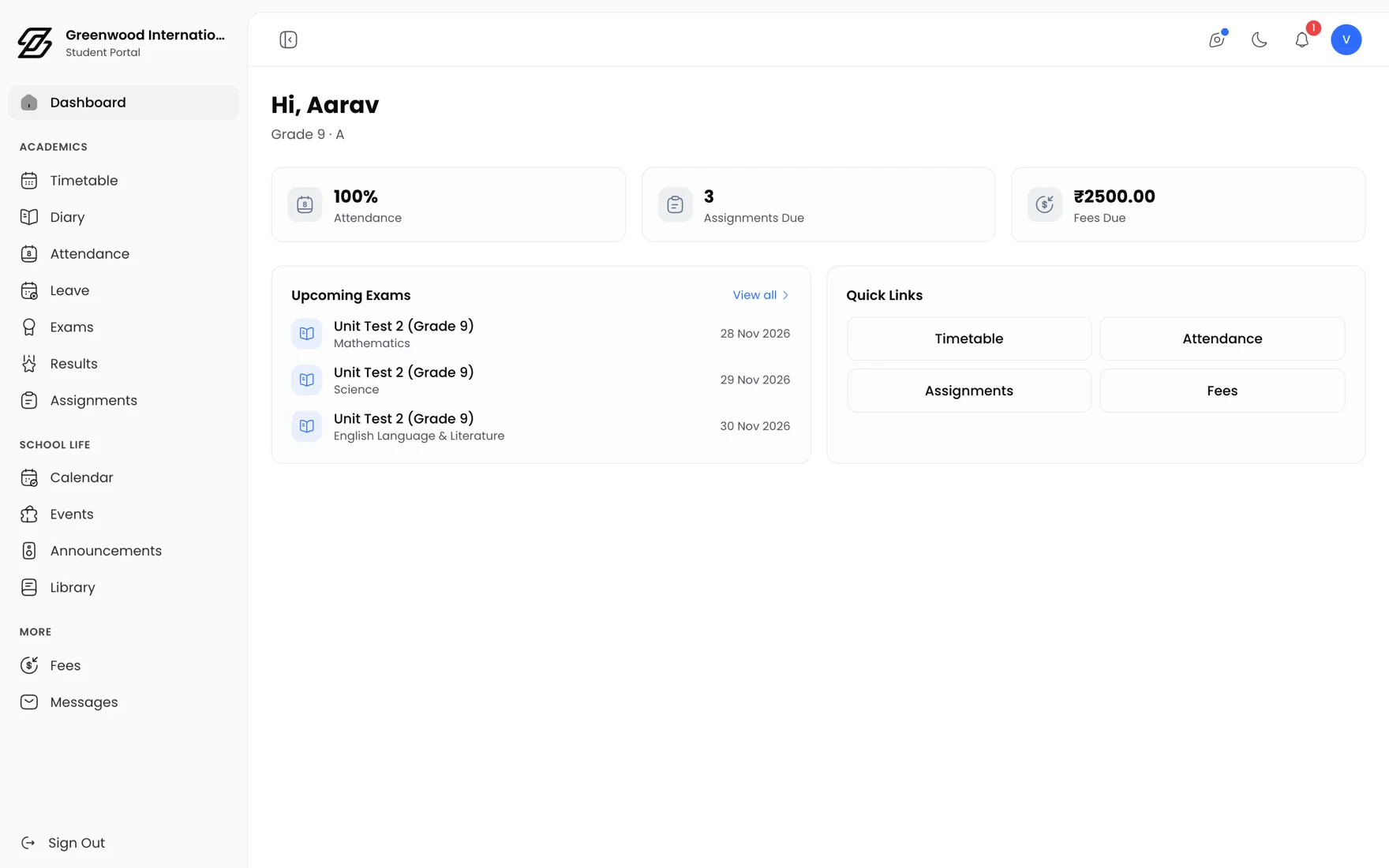
- Students and parents view published results in their portal
Question papers
- A paper for every class and subject in the exam timetable, one class at a time
- Build it in the paper builder: sections, questions and marks on the left, the printed page live on the right
- Or upload a paper you already have as a PDF
- Saves as you type; mark it final to lock it
- Download the paper, or its answer key, as a PDF
Exam timetable
- Download the timetable as a PDF for the classes you pick
- Choose how sections share a page, and portrait or landscape
- See the pages exactly as they will print before you download
Print design editor
- Designs for question papers and exam timetables, in HTML and CSS
- Start from a sample design, then change anything
- A code editor with a live preview on sample data, including the answer key and a class with two streams
- The same editor you use for report cards and certificates
Exam reports
- Results class by class, with the headline figures
- Charts for subject averages, the spread of scores, sections compared, and pass and fail
- Each subject’s figures and the full rank list
- Download the report as a PDF, charts included
In the app & portal
- Share the exam timetable, syllabus and question papers with students and parents
- Papers show only when you choose: after each paper, after the whole exam, or with the results
- Include the answer key, or keep it back
greenwood.exostudy.in/admin/exams/mid-term
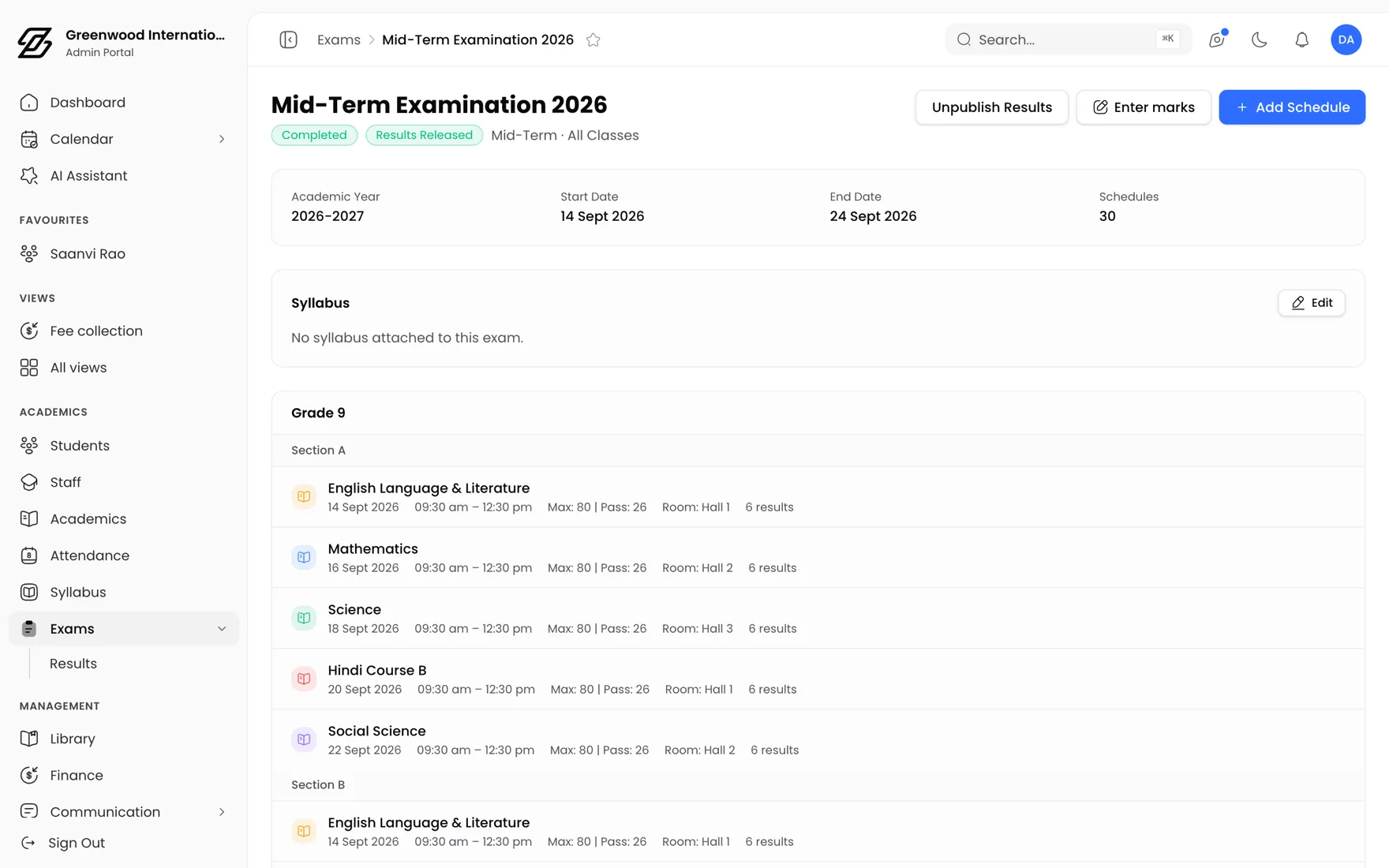
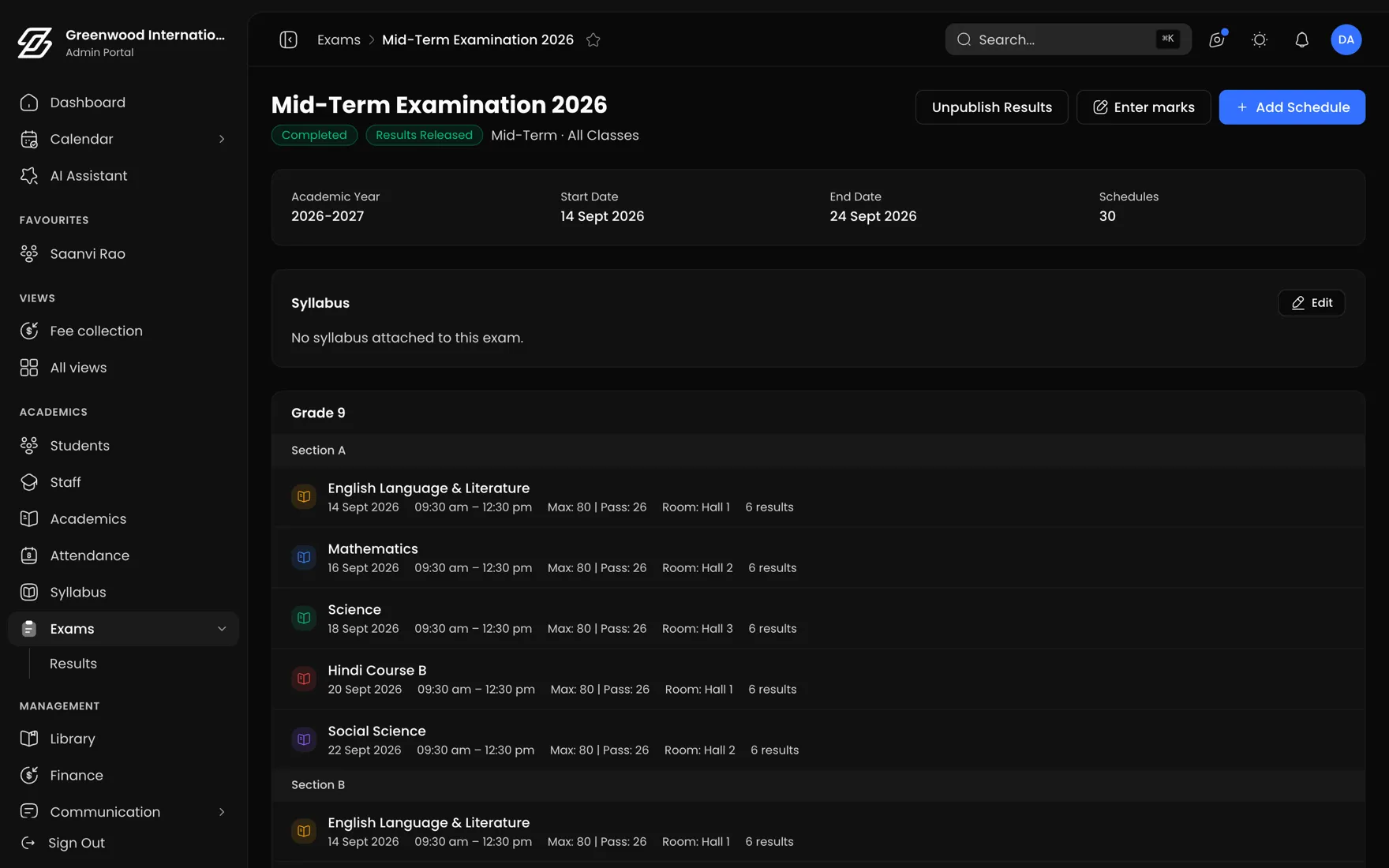
Schedules per section, marks entry, and the syllabus the exam covers.

See it with your own school
Get your own branded portal in minutes. No setup fees, no long-term contracts.