← All features
Leave Management
Apply, review, done: for students and staff.
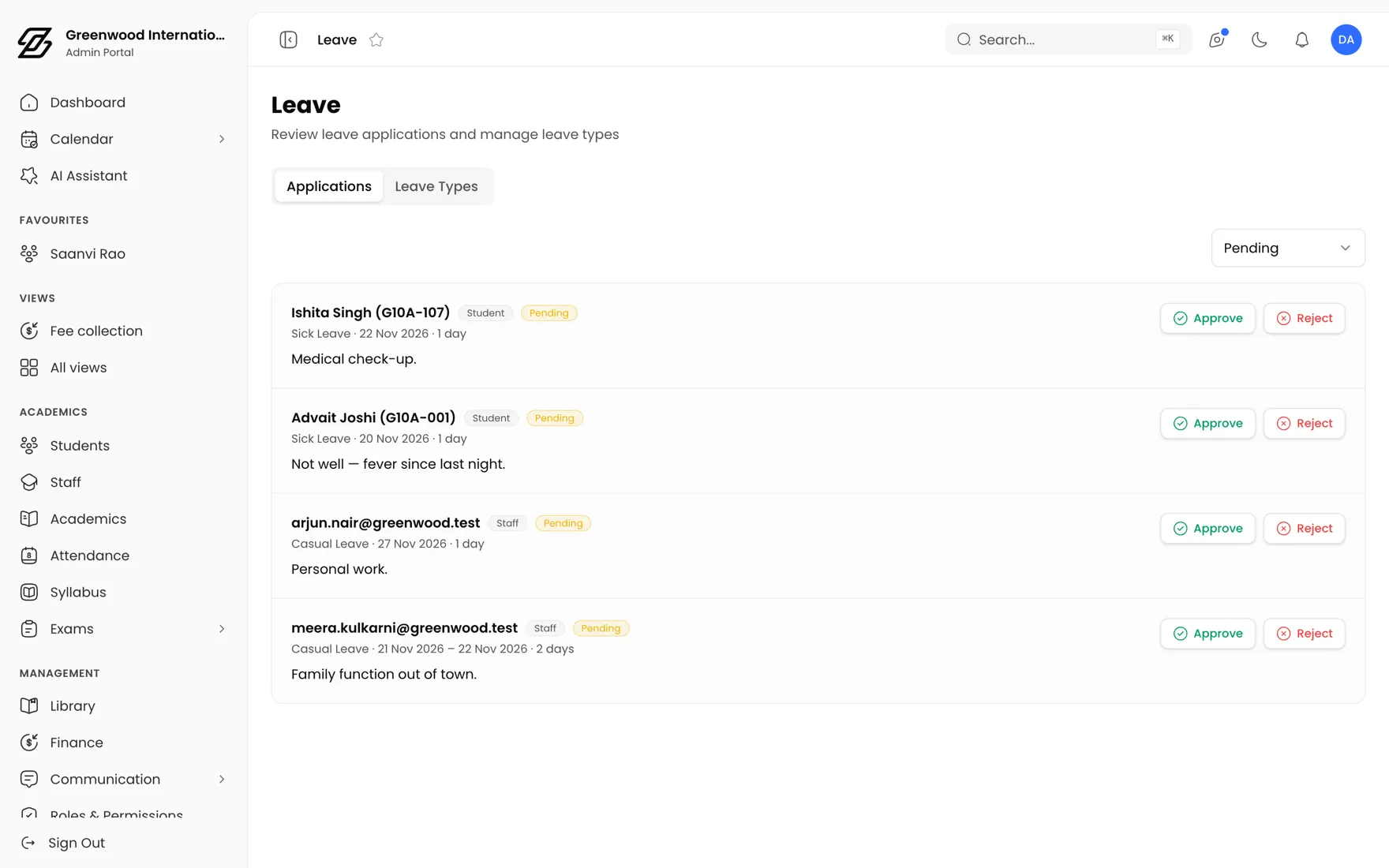
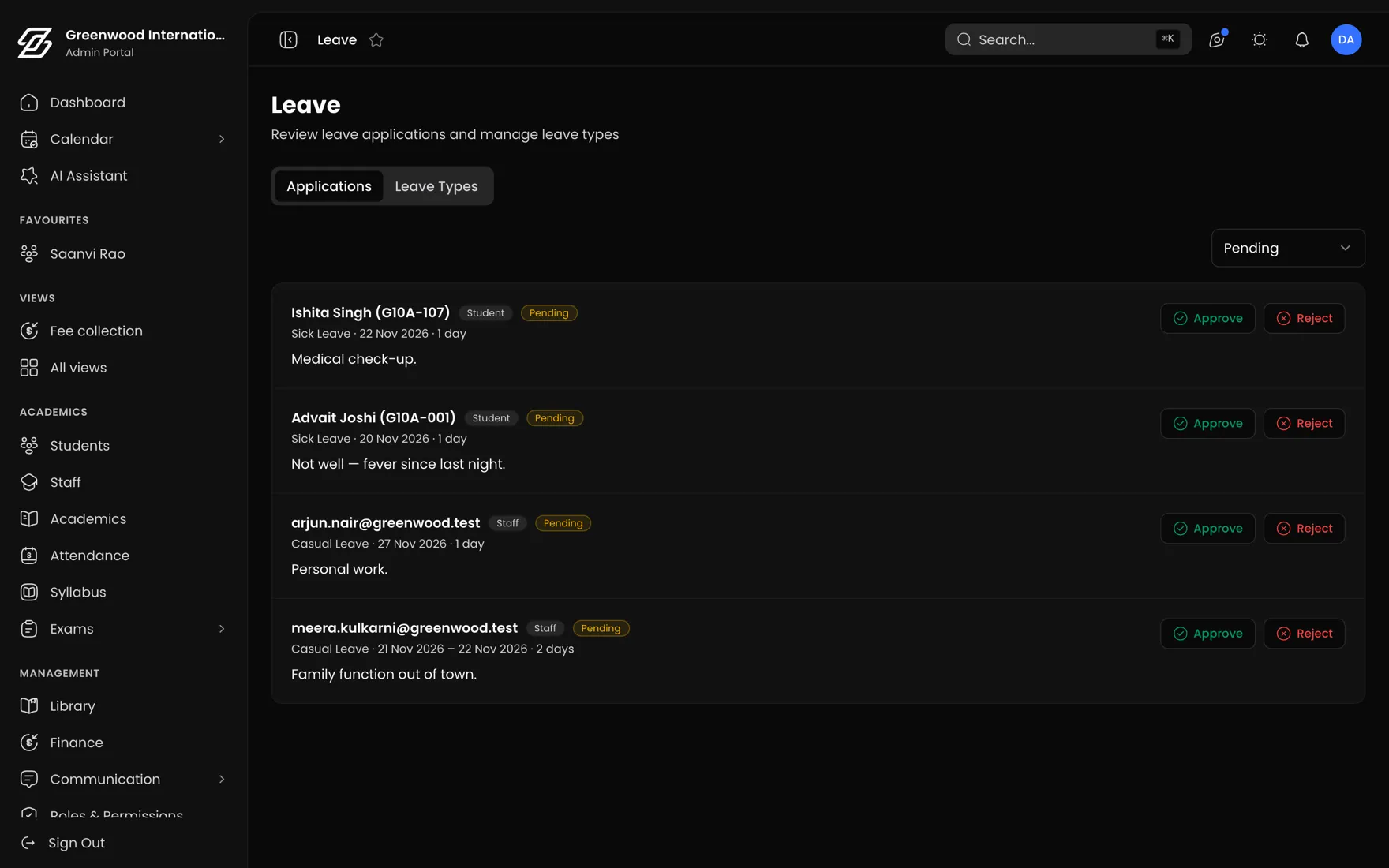
Define leave types, let families and staff apply, and review every request from one queue. Staff see how many days of each kind they have left this year, and nobody approves their own leave.
AdministratorsTeachersStudents & parents
greenwood.exostudy.in/admin/leave
Watch
See it in action
Students and staff apply
Days left per leave type
One approval queue
What’s included
Everything in Leave Management
Students & parents
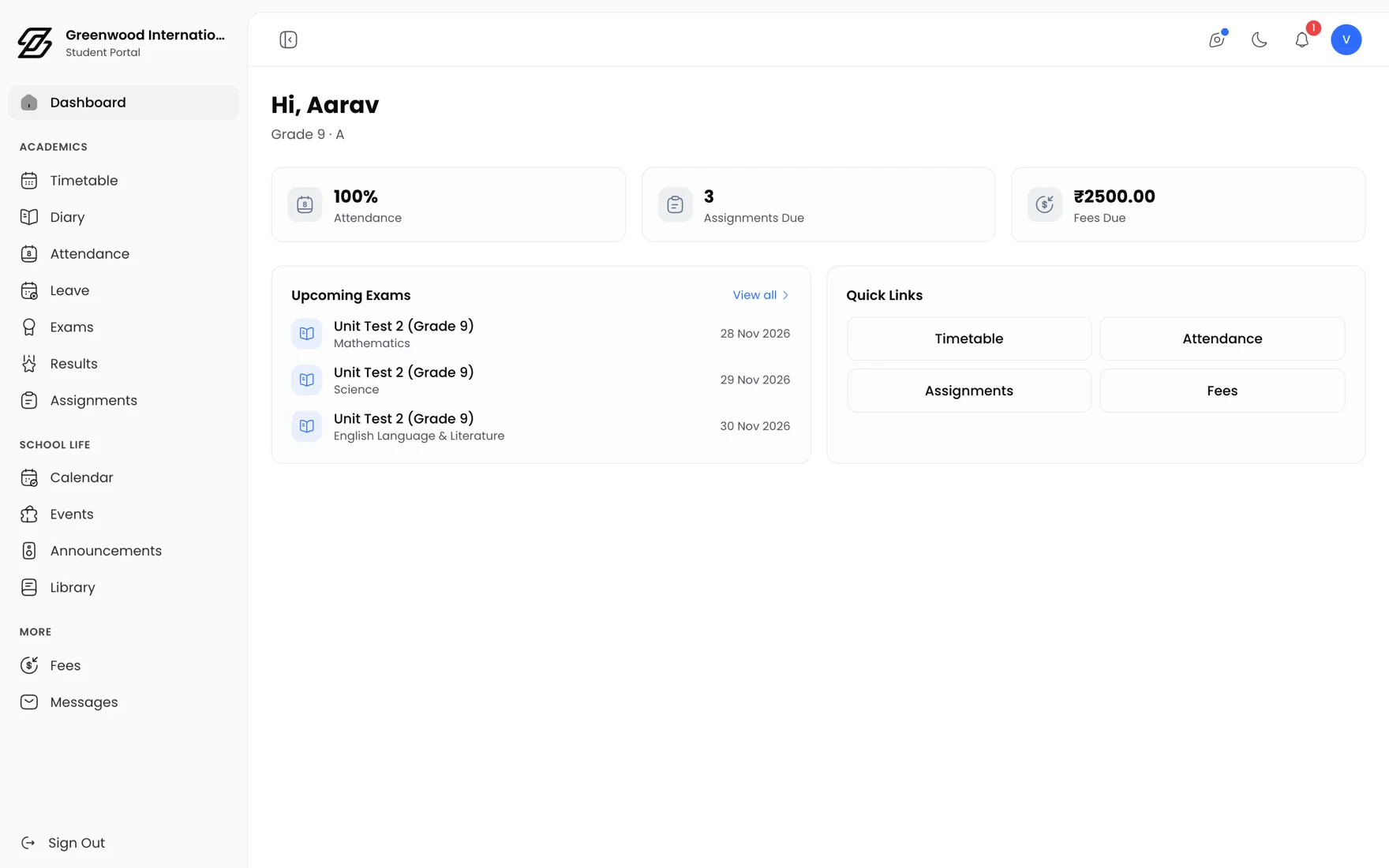
- Parents apply from the portal or app, picking the dates on a calendar
- An attachment such as a medical certificate
- Leave history on each student’s profile and in the section’s leave tab
Staff
- Every staff member applies for their own leave from “My leave”
- Days left of each leave type this year, with days taken and waiting for approval
- A warning when a request is more than the days left; the office still decides
- Overlapping requests are stopped, and a pending request can be withdrawn
- Told as soon as their leave is approved or turned down
Reviewing
- Leave types for students, staff or both, with a yearly allowance
- One queue for every request, with the staff member’s name and employee ID
- Approve or reject with a note; nobody approves their own leave
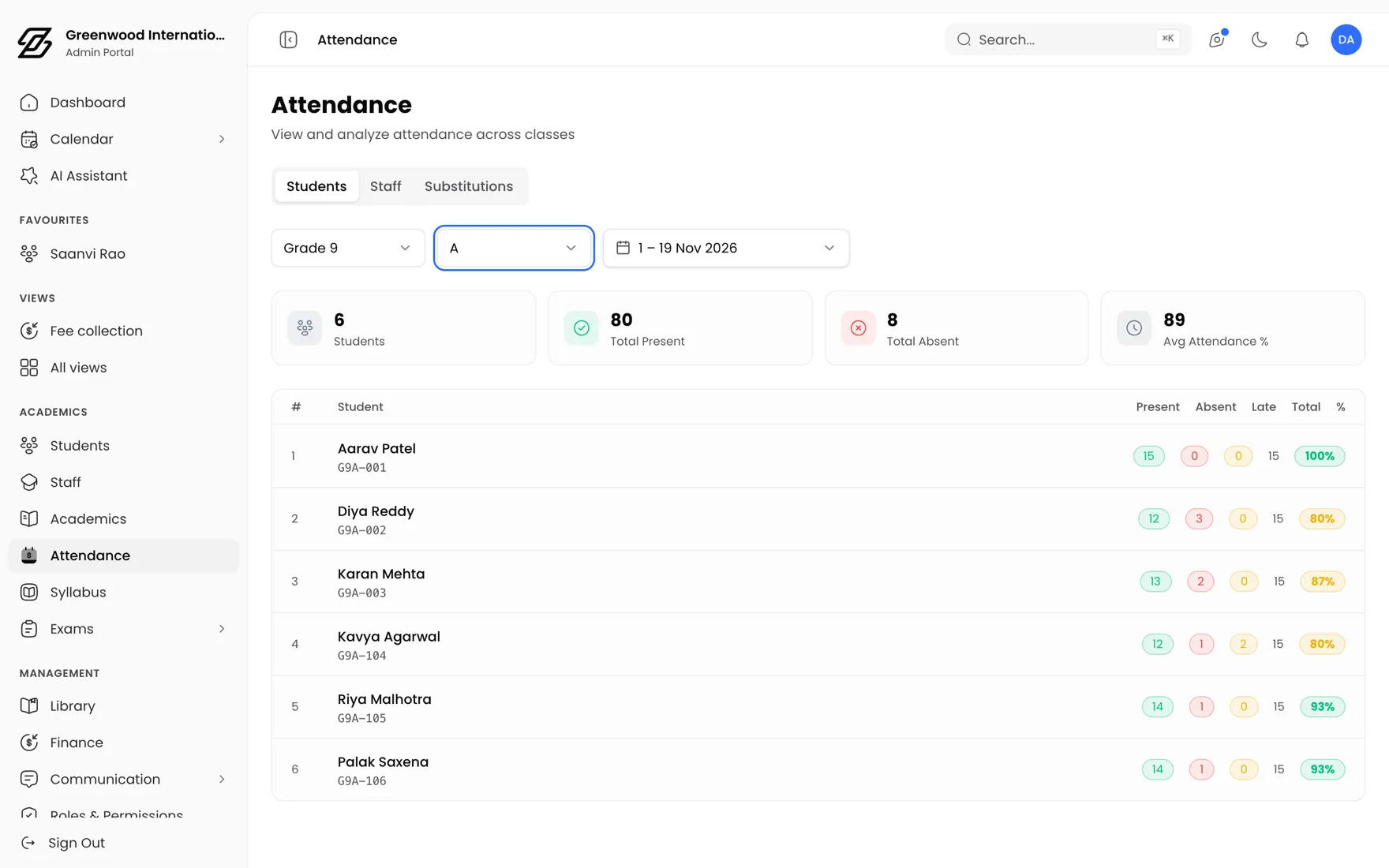
See it with your own school
Get your own branded portal in minutes. No setup fees, no long-term contracts.