← All features
Fees & Payments
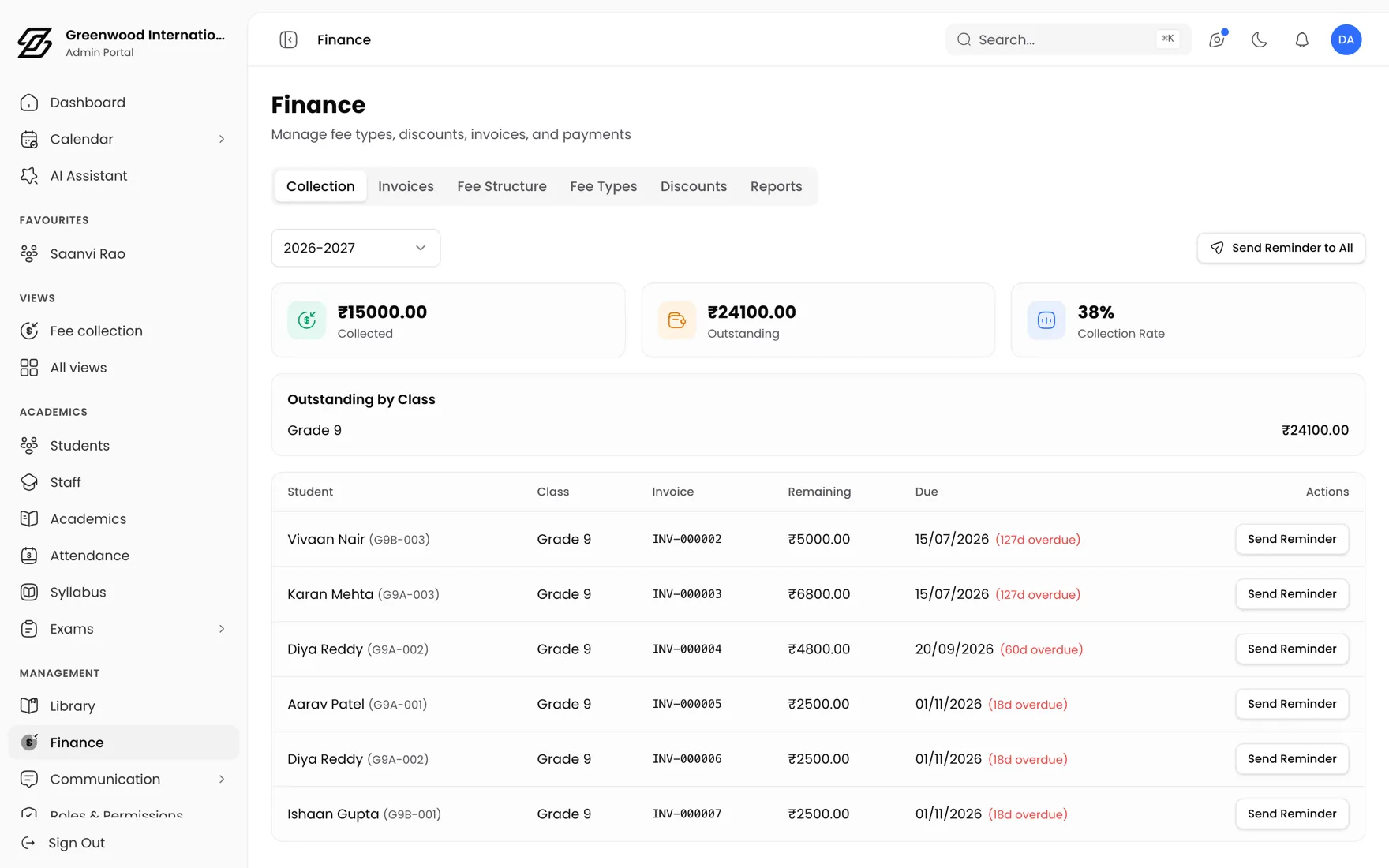
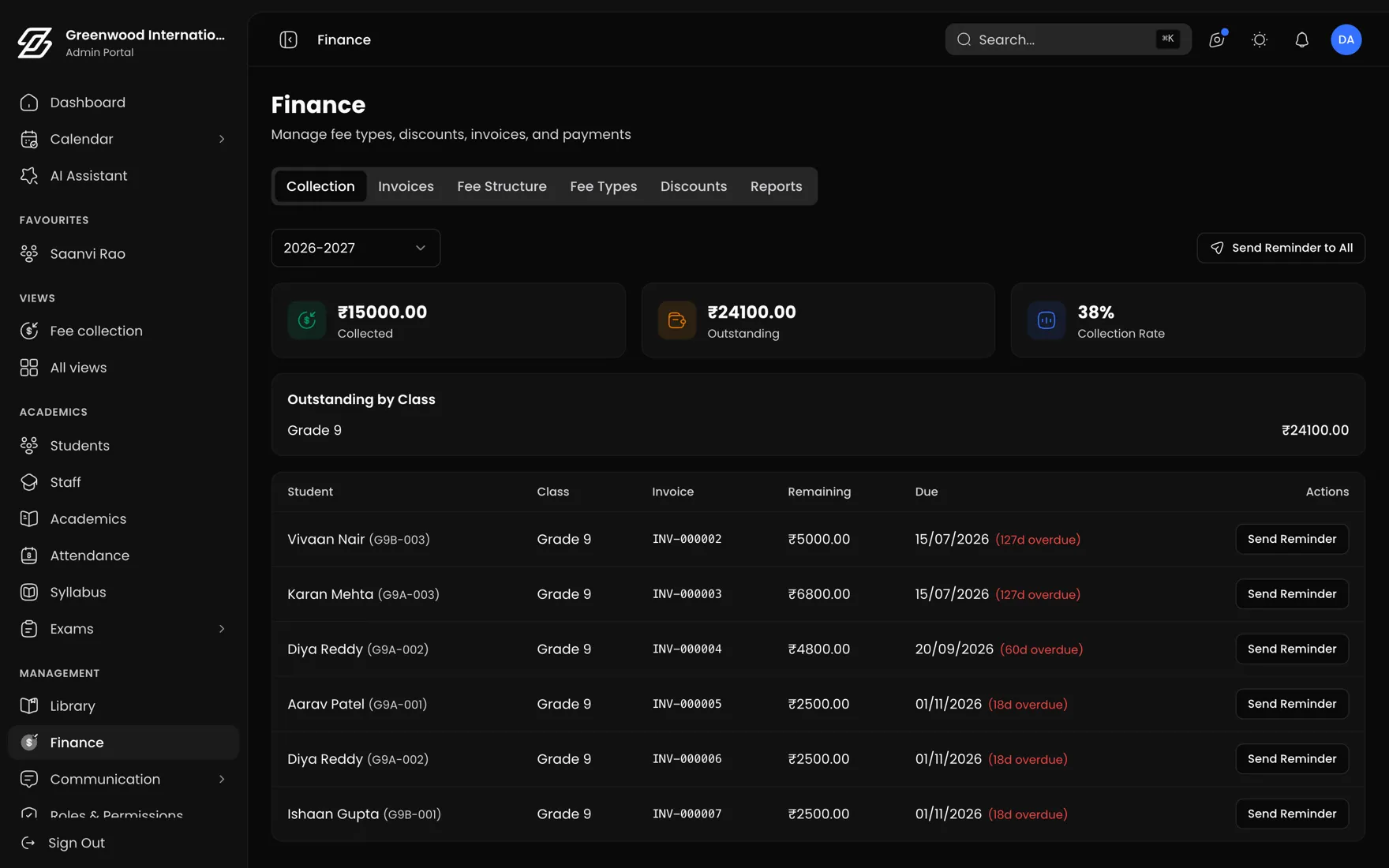
Fee structures, invoices and online payment, end to end.
Build fee structures with installments, raise invoices, collect at the counter or online, and see who has paid and who is overdue.
Administrators
greenwood.exostudy.in/admin/finance
Watch
See it in action
Installments & overrides
Razorpay & Paytm
Refunds & waivers
What’s included
Everything in Fees & Payments
Fee setup
- Fee types such as tuition, transport and activity
- Fee structures per class and academic year, split into installments
- Section-level overrides when one section pays differently
- Discounts: whole-year, installment-specific or one-off custom
- Waive individual installments
Collection
- Invoices raised per student, or ad hoc for a single fee
- Record cash and other payments at the counter, with receipts
- Partial payments and running balances
- Refunds recorded against the original payment
- Overdue and defaulter tracking
Online payments
- Razorpay and Paytm payment gateways
- Send a payment link — no login needed to pay
- Parents pay from the portal and see their fee history
greenwood.exostudy.in/admin/finance
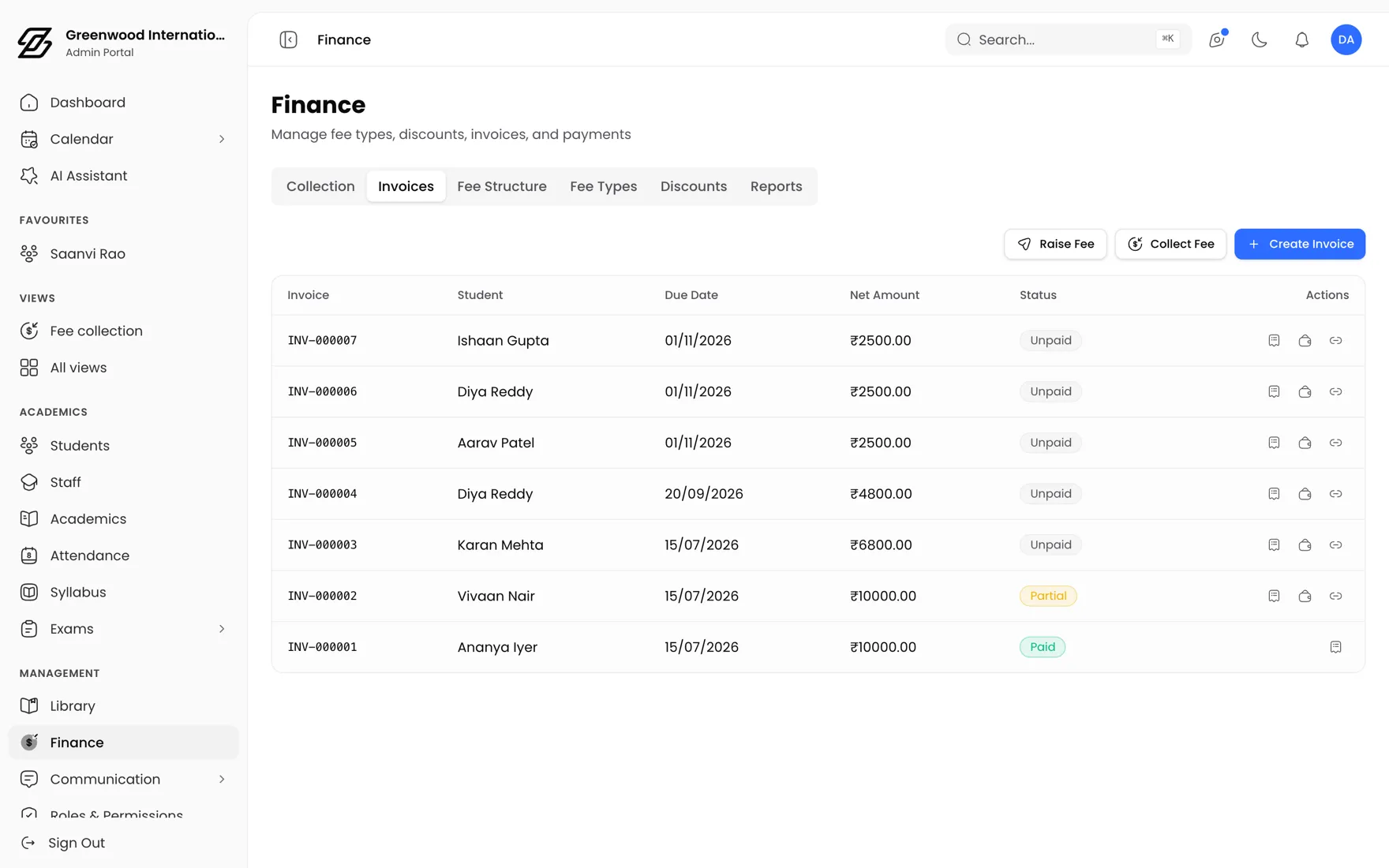
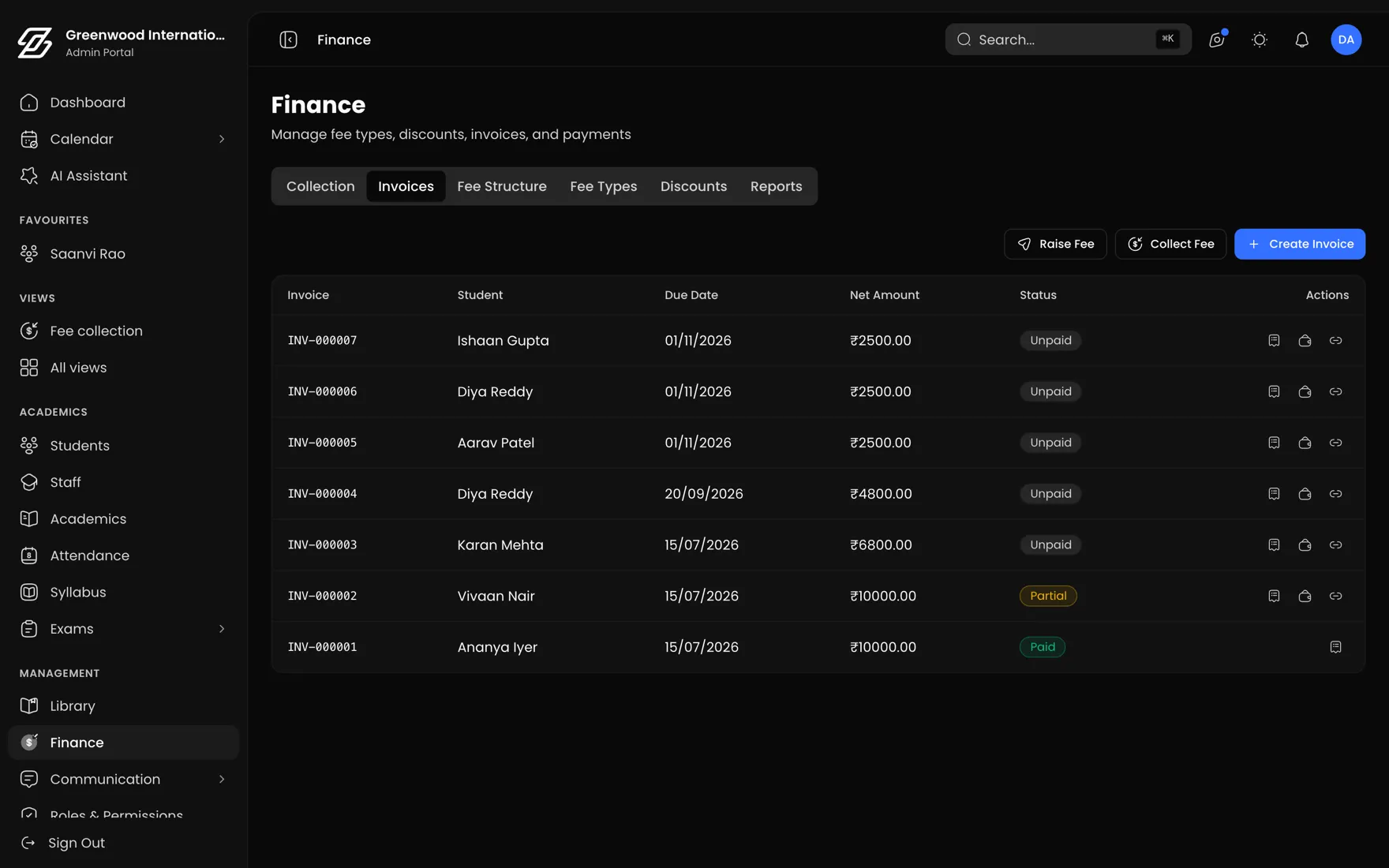
Every invoice with its status — paid, partial, unpaid or overdue.
See it with your own school
Get your own branded portal in minutes. No setup fees, no long-term contracts.