On this page (8)
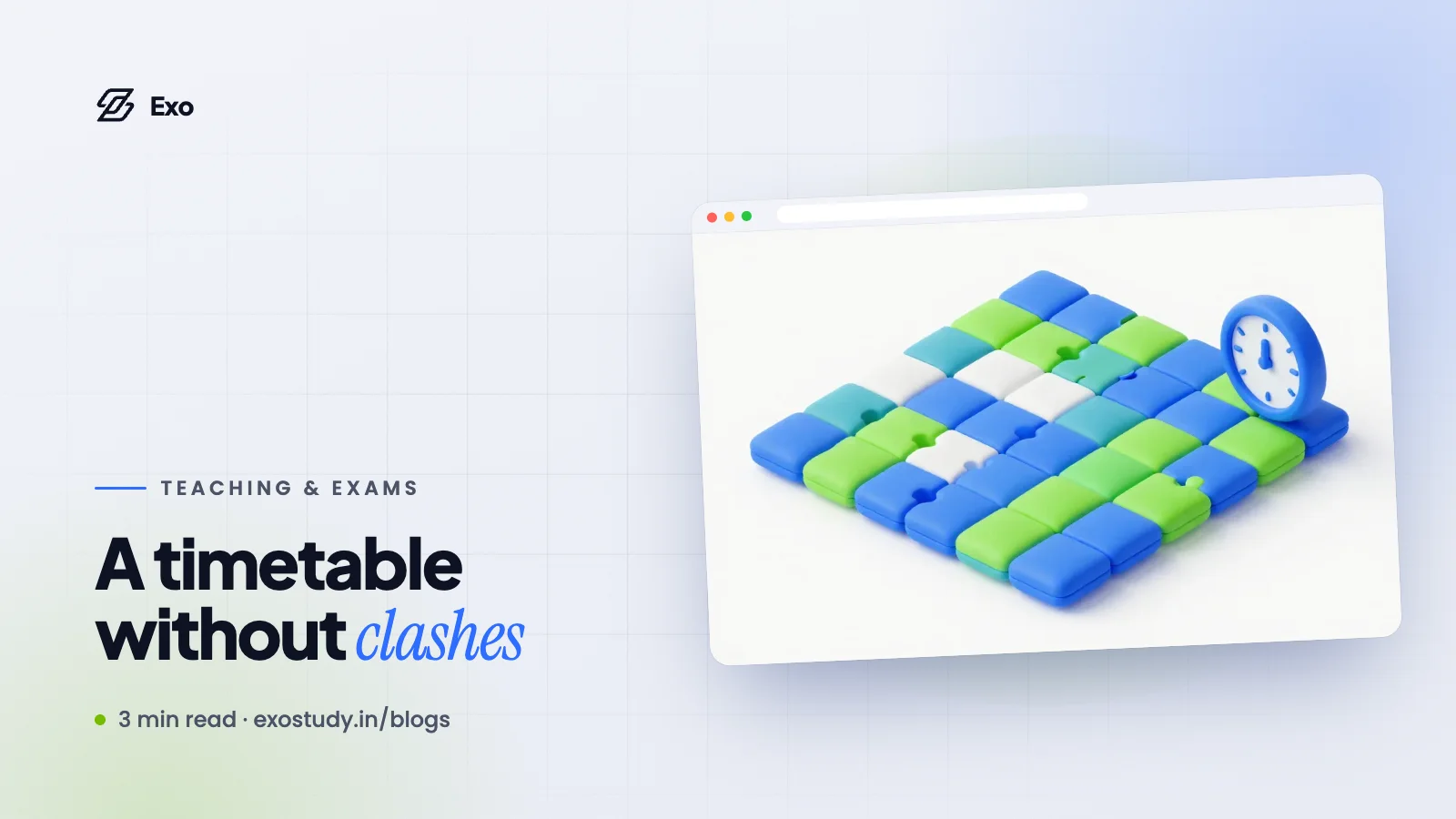
The timetable is the school's operating system. Every teacher, room and class depends on it, and one clash, a teacher booked in two rooms at once, ripples through the whole week.
Here's a method that avoids most clashes before they happen.
Fix the frame first
Before placing a single subject, decide the shape of the day:
- How many periods, and how long each one is
- Where the breaks go: short break, lunch
- Whether some days are shorter, such as Saturdays
Everything else hangs on this frame, so get the whole staff to agree on it before you start.
List what every class needs
For each class, list its subjects and how many periods per week each one gets. Two checks catch most problems early:
- Does it add up? The periods per week must equal the number of teaching slots in the frame, no more and no fewer.
- Are electives clear? Mark elective subjects, so you know which students split into different rooms at the same time.
Classes with streams
For classes 11 and 12, separate common subjects like English, which every section takes, from stream subjects like Physics or Accountancy. A stream subject should only appear in the timetable of sections in that stream. In Exo, streams are switched on only for the classes that need them, and teacher and exam scheduling respect each section's stream.
Place the hardest pieces first
Place subjects in this order:
- Shared teachers. A teacher who covers several sections has the least freedom, so place their periods first.
- Double periods, such as labs or practicals, which need two slots in a row.
- Everything else, spreading each subject across the week rather than bunching it.
Use a generator, then adjust by hand
A generator gets you a clash-free first draft in seconds. Exo's period setup includes breaks and a quick generator. Treat the result as a draft: then make the human adjustments a generator can't know about, like keeping the hardest subjects in the morning.
Plan for change
The timetable you start the year with is rarely the one you finish with. A teacher joins, a section is added, exams shift the week.
Rather than editing the live timetable, create a new version that applies to the classes or sections that change. Exo keeps timetable versions for exactly this, so one section's change doesn't disturb the rest of the school.
When a teacher is absent
The timetable also tells you what breaks when someone is away: exactly which periods are left uncovered. That's the starting point for arranging substitutes quickly.
Checklist
- Periods, lengths and breaks agreed
- Subjects and periods per week for every class add up
- Electives and streams marked
- Shared teachers placed first
- Draft generated, then adjusted by hand
- Mid-year changes made as a new version
See how timetables work in the academics module.
Written by
Exo Team
The people building Exo, school management software for Indian schools.
Keep reading


Collecting school fees online: a practical guide for Indian schools
How to move fee collection from the counter register to online payments without confusing parents or your accounts office — structures, installments, payment links and the reports you'll actually use.
From registers to phones: moving your school's attendance online
Paper registers work until someone needs a report. Here's how to switch to digital attendance in a week, what to decide before you start, and how parents fit in.
How to choose school management software: a checklist for Indian schools
A practical checklist for principals and school owners comparing school ERPs — what to test in a demo, which questions to ask about data and pricing, and the red flags that cost schools a year.